Webmail Backup: How to Take Mail Backups
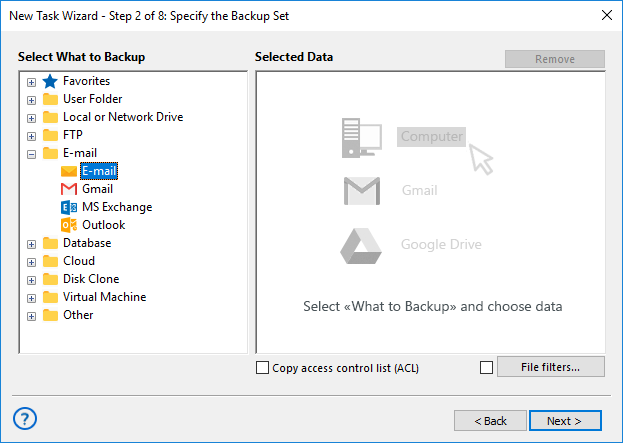
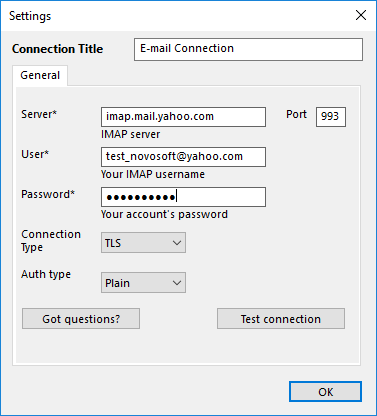
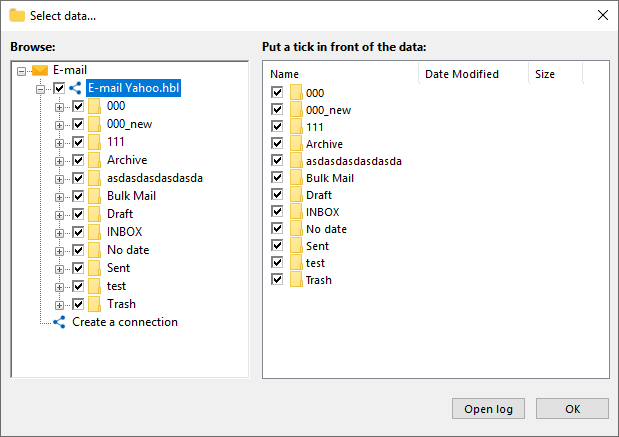
Backup webmail messages is quite different from saving data from local E-mail clients. Webmail backup software saves and restores data directly from a dedicated webmail server, often using the IMAP protocol. Handy Backup has such plug-in, as well as a tool for backup webmail Exchange.
 Download for Free
Version 8.5.3 , built on March 5, 2024. 116 MB
30-day full-featured trial period

Advantages of Webmail Backup with Handy Backup
Unification
Using the E-mail plug-in and the IMAP protocol, Handy Backup grants saving data from any server supporting IMAP, including backup webmail Outlook, Yahoo! Mail and Gmail. For company-level servers, it also provides backup webmail Exchange using the dedicated plug-in to save business messages.
Scheduling and Automating
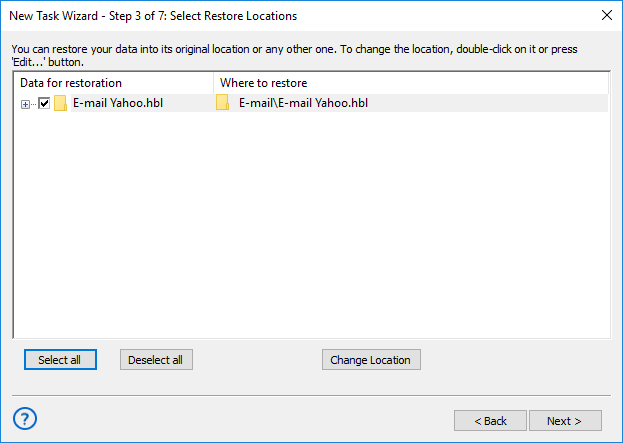
The functionality of Handy Backup allows scheduling saving webmail messages from minutes to months, as well as linking a webmail backup task to some system event such as logon/logoff or plugging a USB drive related to this particular task into a slot. You can also automate restoring and cloning tasks.

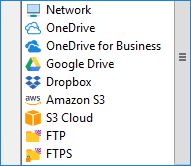
Data Storage Selection
Besides a local machine, you can save your webmail content to a network drive or folder, a NAS unit, an FTP, SFTP or FTPS server, an external USB device, or into a cloud including OneDrive, Google Drive, Amazon S3, Dropbox or any WebDAV backup cloud.
Other Capabilities of Handy Backup as Webmail Backup Software
In addition to crucial advantages listed before, Handy Backup has some other useful functions, turning this program into a powerful and capable webmail backup software solution. Let us explain some of these functions here:
- Encrypting and compressing. You can compress your data into a ZIP archive and/or encrypt messages with a 128-bit BlowFish algorithm, providing both security and quickness when transferring your data through a network or when keeping the messages in public vaults.
- Different backup methods. Use full, incremental, differential or mixed (full/differential) backup for your data. Using the methods of non-full backup can save time of job and storage space. In addition, you can save many versions of same backup, as well as create automatic timestamps.
- Controlling capabilities. Start your tasks as Windows service, making no distraction for users working on the machine. Take detailed reports and notifications on your email about all job
Recommended Solution
$39 per license

Handy Backup Standard
Even the simplest and lightest Standard edition contains a plug-in for webmail backup, as well as a good set of storage types available and a full spectrum of backup functions!