Daily Backup for Critical Equipment in a Medical Devices Company
Challenge
A US medical devices company with 201–500 employees uses Handy Backup as part of its daily IT operations. The backup process is managed by an IT network administrator and covers critical equipment used within the company's working environment. With multiple systems requiring regular attention, the company needed a practical way to create repeatable backup jobs and run them consistently without configuring each operation from scratch.
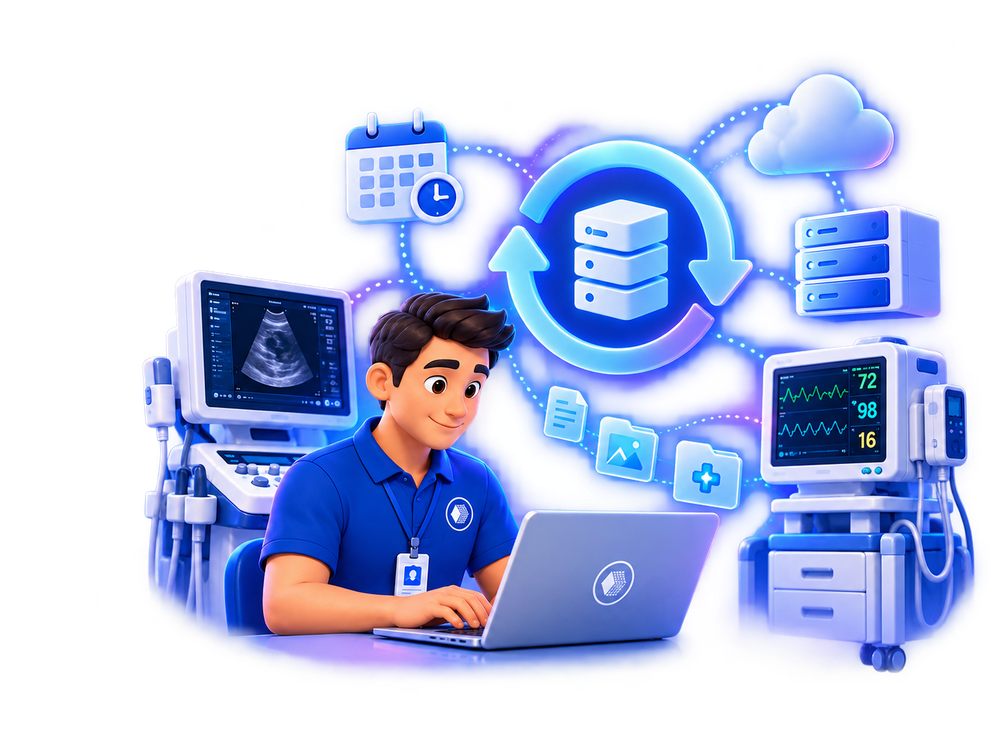
For an organization working with medical devices, the availability of operational data and system configurations can be important for maintaining day-to-day processes. Regular backup therefore needs to become part of the established IT routine rather than an occasional manual operation.
The main requirements were to:
- ✔ perform regular automated backup of critical systems and equipment
- ✔ create reusable backup jobs for recurring operations
- ✔ run backup tasks as part of the daily IT routine
- ✔ keep backup configuration straightforward for administrators
Operational Considerations
Healthcare-related organizations may operate a combination of workstations, servers, specialized applications, and equipment that supports important business or clinical processes. Backup procedures therefore need to account for the systems that an organization considers critical and define how frequently copies should be created and how recovery will be performed when necessary.
For organizations subject to HIPAA, backup software represents only one part of a broader contingency and recovery process. Technical capabilities should be combined with documented procedures, appropriate access controls, storage policies, recovery planning, and regular verification that required data can be restored. The exact configuration depends on the organization's infrastructure and compliance responsibilities.
Solution Implementation
The company's IT network administrator configured Handy Backup for recurring backup jobs and uses the software every day to back up critical equipment. According to the customer, creating and configuring a new job is straightforward, making it easier to incorporate backup into regular IT administration.
Daily
backup as part of IT operations
2+ Years
of regular Handy Backup use
201–500
employees in the organization
This use case shows how a backup application can be incorporated into a repeatable process for systems considered important by a healthcare-related organization. Instead of creating each operation manually, administrators can configure backup jobs for required resources and run them regularly according to the organization's established procedures.

Daily Backup Routine
Handy Backup is used every day as part of the company's established IT workflow.
Recurring jobs allow backup operations to be performed regularly instead of relying on occasional manual copying.

Backup of Critical Equipment
The customer specifically reports using Handy Backup to back up critical equipment within the organization.
This allows backup tasks to focus on systems that the company's IT team considers important for ongoing operations.

Reusable Backup Jobs
The IT administrator highlighted the simple process of configuring and setting up a new backup job.
Once configured, separate jobs can become part of a repeatable backup routine for the required systems and resources.

Part of a Recovery Strategy
Regular backup is one component of a broader recovery strategy for healthcare-related IT environments.
Organizations subject to HIPAA should combine backup with documented recovery procedures, access policies, appropriate storage practices, and restore verification.
Result
After more than two years of using Handy Backup, the medical devices company had incorporated the software into its daily backup routine for critical equipment. The IT administrator highlighted the ease of configuring new jobs and reported no disadvantages in the review. This provides a practical example of how scheduled backup software can support repeatable IT procedures in a healthcare-related organization where important systems need to be backed up consistently.
Time to set up
Setting up a new backup job used to take us about an hour with our previous tool. With Handy Backup it takes around 10 minutes, and we can copy an existing job for similar equipment.
Automation of manual tasks
Before, someone on the IT team copied configuration files from our equipment to a network share by hand every week. Now it runs automatically every night, and nobody has to remember to do it.
Cost
We evaluated bigger backup platforms, but they needed a dedicated server and extra training. Handy Backup did what we needed at a much lower cost.
For organizations working under HIPAA requirements, a similar backup workflow can form one technical component of a broader contingency plan. Backup configuration should be aligned with the organization's own policies for data access, storage, retention, recovery, and testing rather than treated as a standalone method of achieving HIPAA compliance.
It is easy to configure and set up a new job. We use Handy Backup daily to backup critical equipment. We have not found any Cons with Handy Backup.
Todd, IT Network Administrator, Medical Devices, United States
Customer profile: Medical Devices
Company size: 201–500 employees
Software usage: Daily for more than two years
Likelihood to recommend: 9/10
Review source: Capterra / GetApp
 Download Trial
FAQ About Choosing Handy Backup for Healthcare
Which Handy Backup edition should I use for medical database backup?
If you need to back up medical databases such as MySQL, PostgreSQL, Microsoft SQL Server, Oracle, or other supported DB systems, choose Handy Backup Small Business. It supports database backup together with files, application data, scheduling, versioning, and multiple storage destinations.
Which Handy Backup edition is suitable for medical files and network computers?
For medical files stored on a single Windows PC, Handy Backup Standard is usually sufficient. If files and other data need to be backed up from multiple computers across a network and managed centrally, choose Handy Backup Server Network.
See Also: